Communication for all
Accessibility should not be an afterthought.
InMyWords is already designed to be used by people with different needs and ways of interacting with technology. We are now properly auditing that work, identifying gaps and publishing the results.
There are two sides to accessibility in InMyWords. Staff use the conversation screens on their computers or other devices, while the client will often use their own phone.
That person may be using a different language, may read from right to left, and may have their own accessibility needs. Both sides of the conversation need to work.
An open culture
A number of accessibility features are already part of InMyWords.
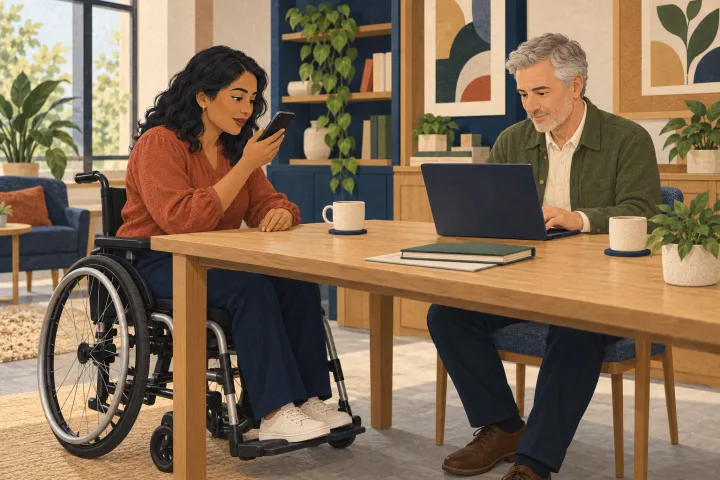
People can speak rather than type, and translated messages can be read aloud. Where a device has more than one microphone or camera, the user can choose which one to use.
The interface also respects reduced-motion preferences, so people who have asked their device to minimise movement are not presented with unnecessary animation.
These are practical things, but they matter. Some people may find typing difficult or have difficulty reading on-screen messages. Another person may be using a particular camera or microphone because of the way they use their device. Accessibility means giving people options.
No conformance level yet
We haven't yet formally assessed InMyWords against a recognised accessibility standard, so we aren't claiming that it meets a particular WCAG level.
Having accessibility features is a good start, but it doesn't automatically mean a website or app is accessible to everyone.
We're planning an assessment against WCAG 2.2 AA, the recognised standard for web accessibility. We'll start by assessing InMyWords internally, followed by an independent audit using the W3C's recommended approach.
We'll also ask people who use assistive technology, such as screen readers, to try InMyWords and share their experiences. This will help us understand how well it works in practice and identify issues that automated tests might miss.
The aim is to understand what we need to do next to make InMyWords easier for more people to use.
Problems shared...
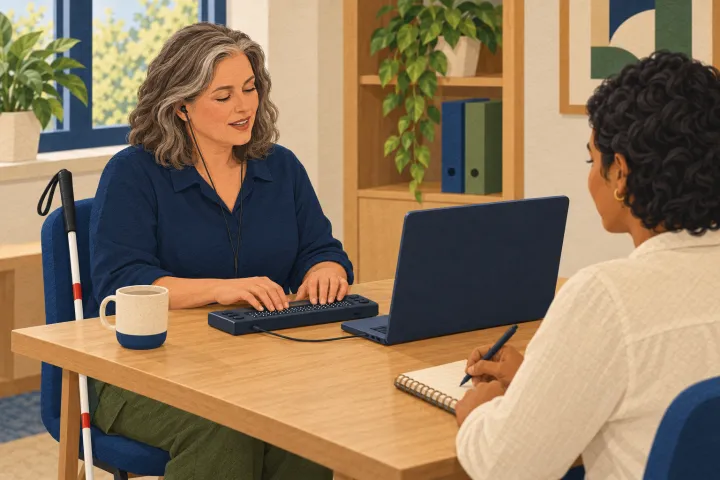
We do not want accessibility to become a claim that looks good on a procurement document but tells people very little about the actual experience.
Our accessibility results will be published on the website as an accessibility statement, covering each success and known issues. If something does not yet meet the expected standard, we would rather identify it clearly than hide it behind a general statement about accessibility.
For organisations carrying out procurement, we will also be able to provide a VPAT conformance report based on the same audit results.
Audit and beyond
Accessibility is not something that can be audited once and then forgotten. Automated accessibility checks will run as part of every release, helping us catch problems as the product changes. The full accessibility audit will also be repeated each year.
That gives us a way to keep checking the product as new features are introduced, rather than assuming that something which was accessible last year will automatically remain so.
Accessible and accountable
We are already a long way down the road of making InMyWords accessible.
The next step is to prove that properly. That means testing against a recognised standard, involving disabled people and their own assistive technology, having the work independently checked and being open about the results, including the things that still need fixing.
You can find our latest accessibility information on the InMyWords accessibility page.
If you use InMyWords and encounter a barrier, please tell us. A problem that we know about is a problem we can investigate and improve.