Cue... QR codes
Picture it…
Your first language is not English and you’re sitting before someone who says they can help you with your issue. The elation soon wanes, however, when they present you with a strange-looking box on screen and ask you to scan it with your phone.
If it all sounds a bit sci-fi to you, then you’re not alone. The great QR code, lauded across modernity as a time-saving marvel, can leave many wondering how, on earth, to progress.
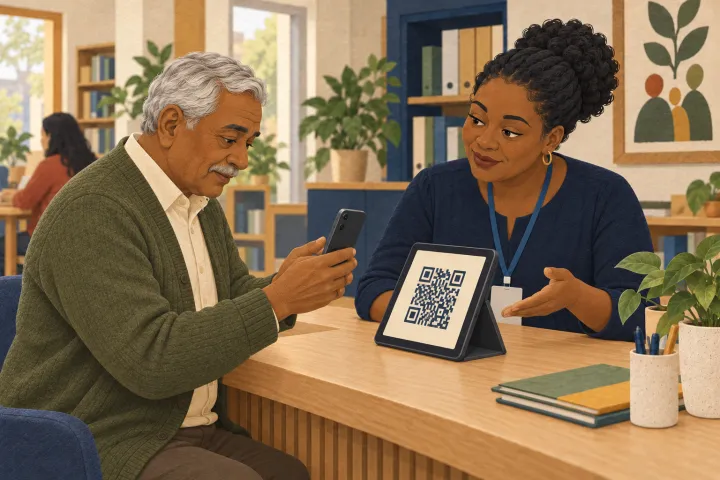
This came to our attention during a recent bout of real-world testing, with bilingual people keen to help put InMyWords through its paces.
To help get someone into the conversation, they are asked to scan a QR code and follow the link that appears on their own device. But, for some, that process seemed a bit confusing.
For those who haven’t used a QR code before, don't worry. It's simply a pattern that your phone's camera can recognise. When you scan it, a link appears on your screen. Tap the link, and it opens the InMyWords conversation in your web browser.
You don't need to download an app or create an account to get started; you’re directed straight to the conversation.
How to use a QR code
Step 1: The Introduction
Open the camera on your phone, just as you would to take a photograph.
Point it at the QR code and hold your phone steady for a moment. Make sure the whole code is visible on your screen.
Step 2: Follow the link
Your phone should recognise the QR code and display a link. Tap the link to open the conversation.
You don't need to understand the pattern or type the link yourself. Your phone does that work for you.
Step 3: Language selection
The person helping you will select the language you want to use for the conversation. If the language selected isn't right for you, don't worry. You can change it if you need to.
Step 4: Open the chat
The InMyWords conversation will open in your phone's web browser. Follow any instructions on the screen, and you're ready to get started.
You can now use InMyWords to communicate with the other person in your own language.
What if the QR code doesn't work?
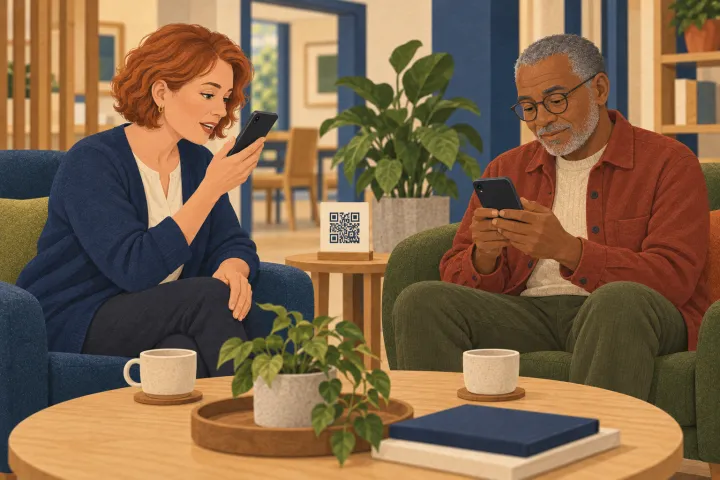
If nothing happens straight away, there are a few things you can try:
- Check the camera. Make sure you're using your phone's camera and that the QR code is clearly visible on screen.
- Adjust the distance. Try holding your phone a little closer to or further away from the code.
- Wait a moment. Your phone may need a few seconds to recognise the code and display the link.
- Tap the link. Once the link appears, you need to tap it to open the conversation.
If you're still having trouble, ask the person helping you to share the conversation link directly instead.
Easy when you know how
QR codes might look complicated, but you don't need to know how they work. Think of it as a shortcut that takes you to a link on your phone. Once you start using them it becomes second nature. And once the chat is flowing, you’ll find yourself wondering what a language barrier is!
No app to install. No complicated setup. Just open the conversation and start talking.