Progressive Chat, InMyWords
When using a service on their phone, most people think about downloading an app. InMyWords opens directly in the web browser on any device.
It is built as a Progressive Web App (PWA), a website similar to an app, with no download required.
What's a PWA?
A PWA allows a web-based service to be used through the existing browser on different devices. That makes particular sense for InMyWords.
Traditional mobile apps are generally developed separately for different platforms and distributed through app stores.
Keeping it simple
InMyWords helps people communicate when they don't share the same language.
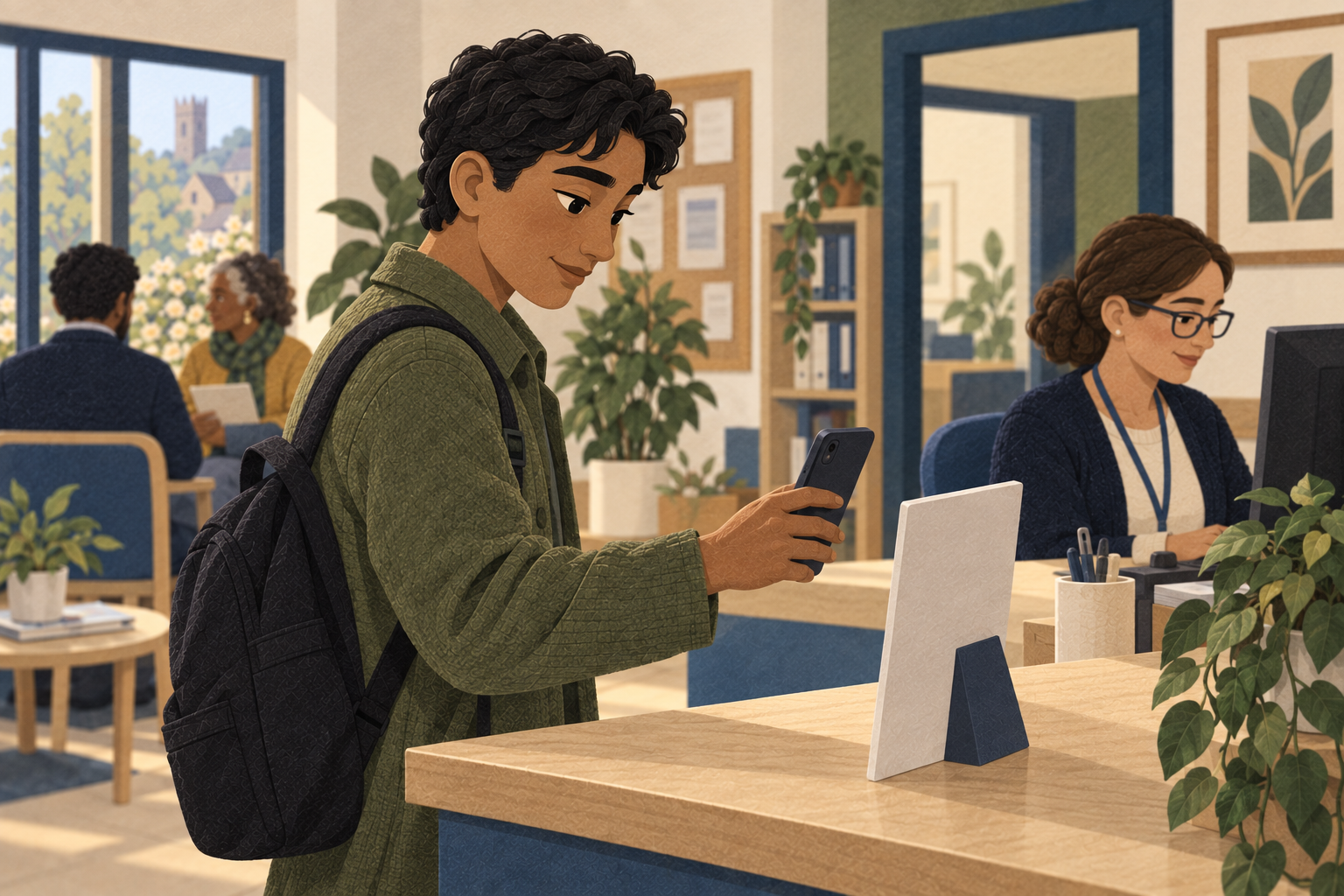
With our app, a professional provides a link or shows a QR code, which the other person scans to open InMyWords in their browser.
No app store. No installation. Just a straightforward way into the conversation.

Joining from your own device
InMyWords also allows people to join a conversation using their own phone.
Again, a QR code is displayed on screen, or a link is sent by text or email. Once opened, the client can join the conversation and communicate in their language.
Each person can use their own device while the conversation remains connected. Messages are passed between the devices in real time, with the translated conversation appearing on each screen.
App-like feel
InMyWords does not feel like a conventional website. On supported devices, it can be added to the home screen with its own icon and open in an app-like window.
For someone who uses InMyWords regularly, it can sit alongside the other apps on their phone. For someone using it once, there is no need to install anything.
One service, different devices
Another bonus is that a PWA service isn't tied to one particular type of device. InMyWords works across modern smartphones, tablets and computers using compatible browsers. There is no separate app to find for a particular device, as the same service is available through the web.
Fluidity
Traditional apps are updated through the relevant app store. Changes and improvements to InMyWords are made to the service itself, so users access the current version when they use it.
For organisations, there is no need to coordinate an app update across everyone's devices. For the person using InMyWords, there is simply one less thing to think about.
Privacy matters
Using InMyWords through a browser means it stays within that environment. A PWA cannot access your phone hardware or other apps on your phone. Given permission, and just as your web browser can do now, it can access your microphone and camera.
The connection between the device and InMyWords is encrypted.
InMyWords is designed to collect and use only the information needed to provide the service, in line with applicable data-protection requirements.
Poor connections?
A PWA can be designed to keep some features available when an internet connection is weak. Bear in mind, though, that InMyWords is a live communication service, so an internet connection is needed.
Why we chose a PWA
For organisations, having one web-based service makes things simpler. For users, it means they can open InMyWords from a link or QR code without downloading an app. But for InMyWords, the reason is simpler.
Technology should remove barriers
If someone needs help communicating, they shouldn't have to worry about finding and downloading an app. We make that first step simple.
Instant ‘InMyWords’
It doesn't matter whether someone is a regular user or not. They don't need to understand what a Progressive Web App is. They simply need a way to open InMyWords.
We provide the technology, when it is needed, with minimal fuss.